

Blog
pH Probe Troubleshooting
When a pH probe starts giving inaccurate, drifting, or unstable readings, the problem isn’t always calibration. This guide explains how to troubleshoot a pH probe





When a pH probe starts giving inaccurate, drifting, or unstable readings, the problem isn’t always calibration. This guide explains how to troubleshoot a pH probe by checking millivolt output, slope, response time, and common causes such as fouling, reference-junction problems, improper storage, temperature changes, and electrical noise.
A misbehaving pH probe isn’t always a pH calibration problem. mV output, response time, and slope can reveal whether the issue is the electrode, installation, sample, or calibration, helping you avoid unnecessary replacement.
At Atlas Scientific, we manufacture pH probes and EZO™ pH Circuits for lab and industrial applications. Here’s how to diagnose common pH probe problems and determine whether to clean, recondition, recalibrate, or replace.
The single biggest mistake in pH probe troubleshooting is diagnosing the problem using the pH reading itself. The pH value on your display is already a processed number, run through a calibration curve. A bad calibration will hide a bad probe, and a good probe can look bad if the calibration was rushed.
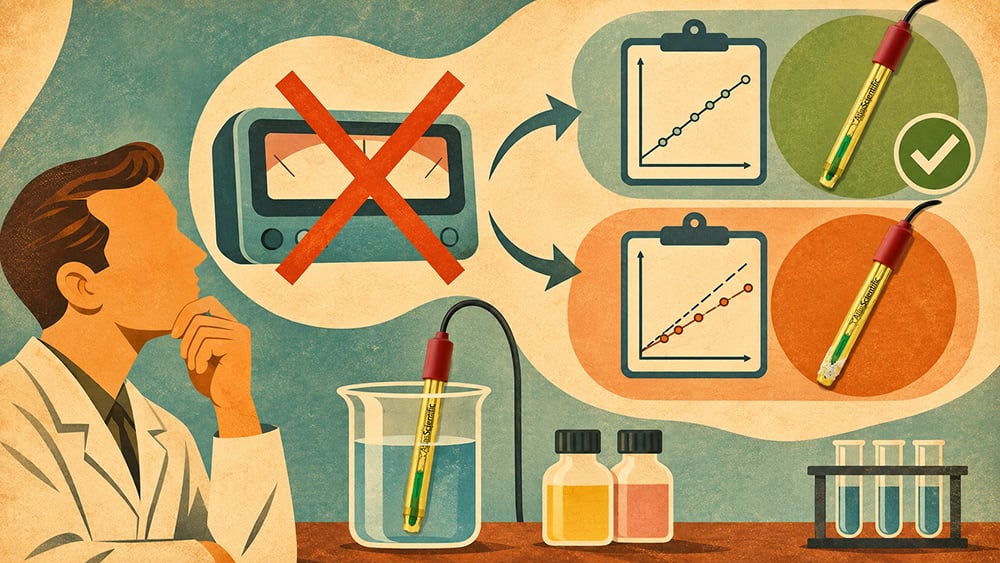
The fix is to read millivolts (mV) directly in standard buffer solutions instead. For Atlas Scientific systems, a pH 7.00 buffer reading of 0 to ±50 mV is a useful initial electrode check. In a pH 4.00 Calibration Solution, Atlas Scientific specifies a reading approximately 165 to 180 mV away from the pH 7 reading, in the positive direction.
Once you’ve calculated slope and offset (below), the offset value itself should land within ±30 mV for Atlas Scientific’s stated troubleshooting range. These values should not be treated as universal acceptance limits for every pH electrode or meter; always follow the specifications of the particular probe and instrument you’re using.
Once you have millivolt readings in at least two buffers, you can calculate the probe’s slope, the single best indicator of overall electrode health. Slope describes how much the millivolt reading changes per pH unit, and it’s what actually degrades as a glass electrode ages.
NOTE: The exact acceptable slope depends on the electrode, meter, calibration method, and manufacturer’s specifications. Atlas Scientific currently recommends a slope of 92–102% and an offset within ±30 mV for its standard pH troubleshooting guidance.
| Probe Condition | Typical Slope | What It Means |
| New probe | Around 100% | Fresh glass, which may require some conditioning before reaching its typical operating performance |
| Healthy, in-service probe | 92–102% | Within Atlas Scientific’s stated operating range |
| Aging probe | 85–92% | Usable, but monitor and plan for maintenance or reconditioning |
| Low-slope probe | Below 85% | Investigate cleaning, reconditioning, electrode condition, and the measurement setup |
A slope below roughly 85%, or an offset beyond ±30 mV, is a strong indication that the electrode or measurement setup needs investigation. It does not, by itself, prove that the probe must be replaced. Other manufacturers use different acceptance ranges; for example, EPA procedures for specific pH meters use 95–105% as their calibration acceptance range.
This distinction matters: slope is a diagnostic indicator, not a universal pass/fail specification.
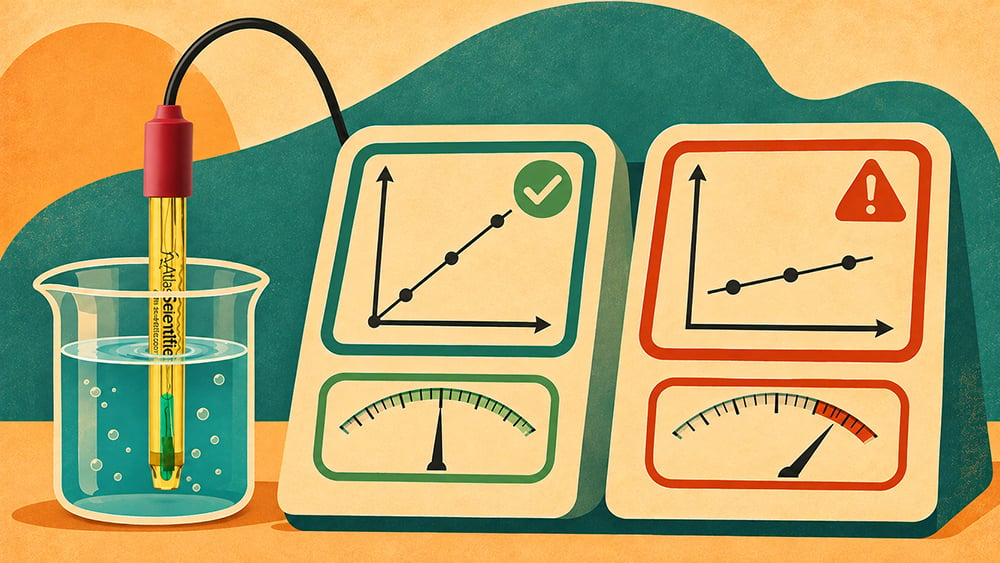
Response time is the third diagnostic pillar, and often the earliest warning sign, as it tends to show up before slope or offset numbers move noticeably. Atlas Scientific states that a new pH sensor should respond within approximately 10–15 seconds when tested between buffers three pH units apart, such as pH 7 and pH 4.
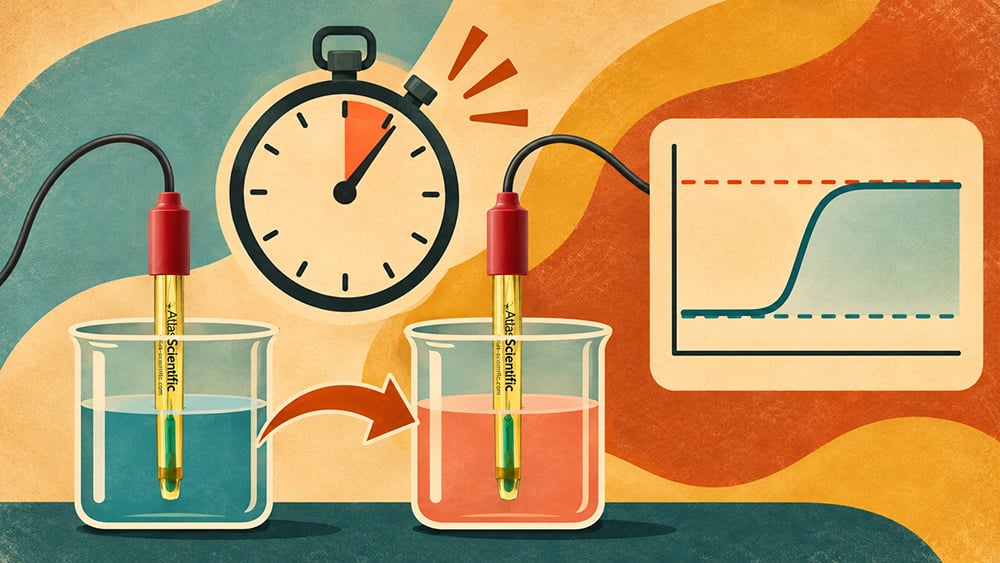
If stabilization takes longer than 60 seconds, the electrode may need cleaning or replacement, but slow response can also be influenced by the particular probe design, sample conditions, temperature, low conductivity, junction condition, or other measurement factors.
For that reason, response time should be compared with the manufacturer’s specification for the particular probe rather than treated as a universal 60-second failure threshold.
The glass membrane is where pH is measured, so coatings can interfere with readings. Soft coatings like biofilm, algae, or sediment can often be removed with clean water, while hard or organic coatings may require a cleaning solution.
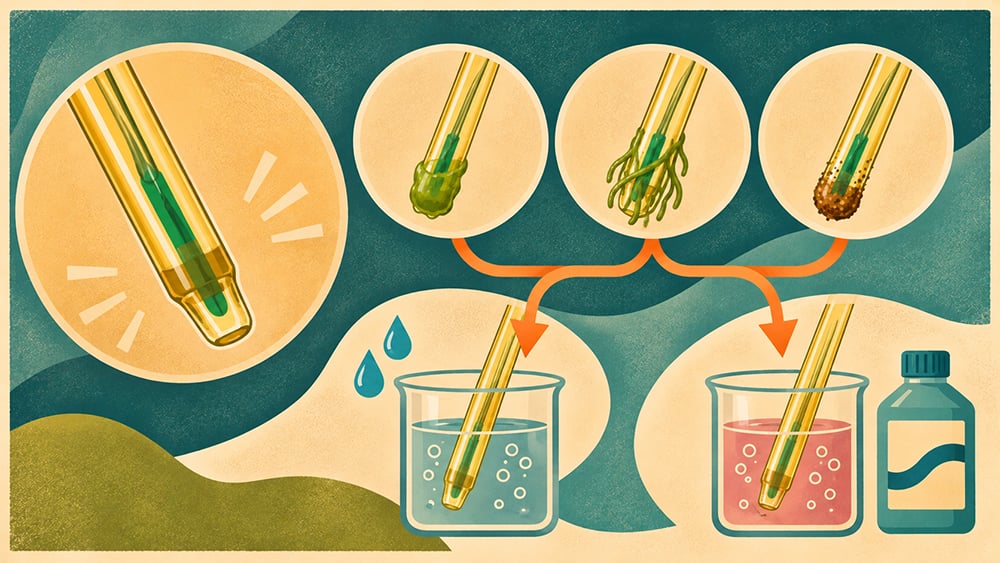
Always follow the probe manufacturer’s cleaning instructions and avoid solvents or chemicals that could damage the electrode.
Never brush or scrub the bulb. Abrasive materials can permanently damage the glass membrane.
If cleaning the bulb doesn’t restore performance, the reference junction is the next place to look. Most Atlas Scientific pH probes use a Tyvek™ junction, which resists water flow to hold the internal electrolyte in the probe longer, reducing how often it needs replenishing compared to older ceramic-junction designs. Over time, this junction can still clog with sediment or run low on electrolyte, especially in probes that have been allowed to dry out.
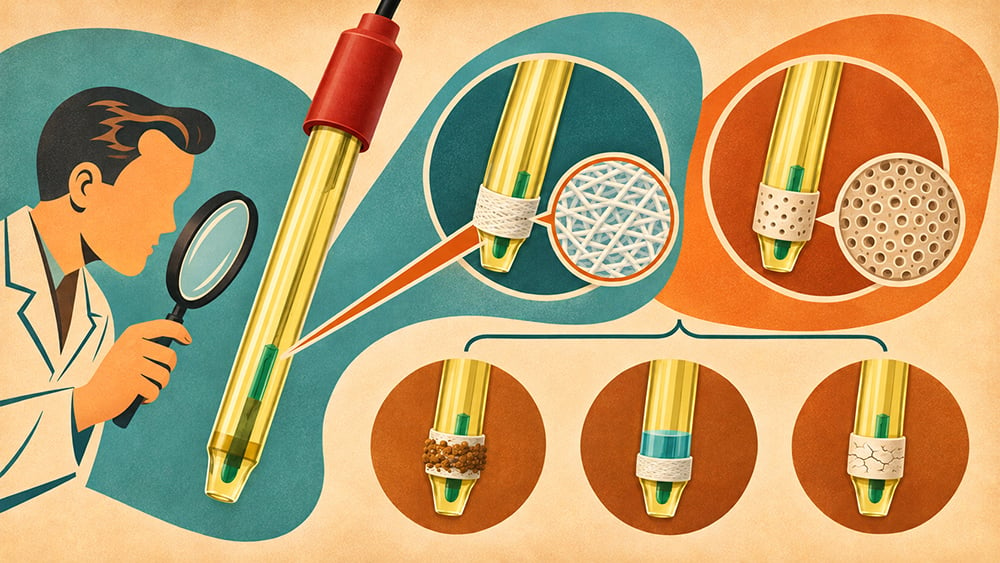
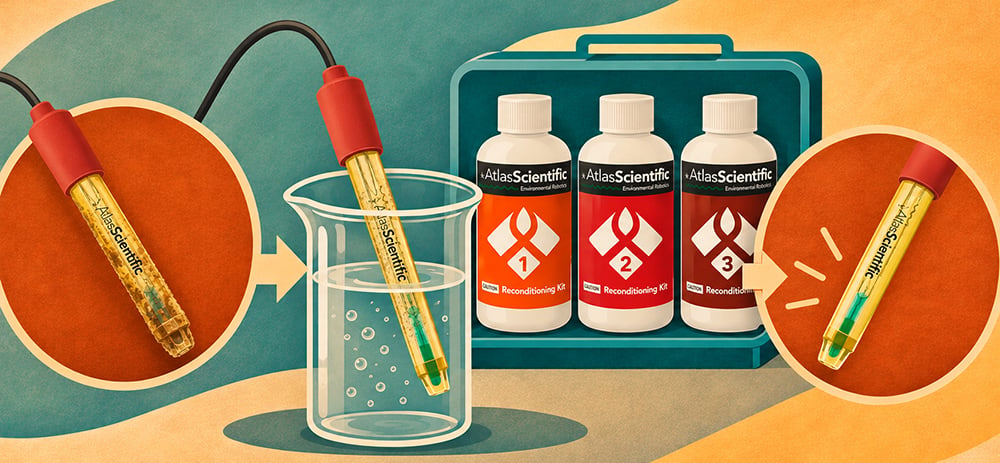
This is where a pH Probe Reconditioning Kit comes in. Reconditioning may restore a probe that cleaning alone can’t fix, and it’s a far more cost-effective first move than assuming a probe needs to be replaced outright.
A pH probe should never be left dry for extended periods. Letting the reference junction and sensing element dehydrate is one of the most common, and most preventable, causes of slow response and drifting readings.

Store the probe tip in a pH/ORP Probe Storage Solution whenever it’s not in active use. Use the storage solution recommended by the probe manufacturer rather than distilled or deionized water unless the manufacturer specifically says otherwise. This keeps the internal electrolyte and reference junction properly hydrated and significantly extends usable probe life.
pH is temperature-dependent, affecting both probe output and the sample’s actual pH. A probe moved between different temperatures needs time to stabilize before the reading can be trusted.
For processes with temperature swings, temperature compensation can account for the electrode’s response, but not changes in the sample’s actual pH. Where possible, allow the probe and sample to reach thermal equilibrium before assessing stability.
A pH probe is a passive, high-impedance device, which makes it unusually good at picking up stray voltage from pumps, solenoid valves, and other equipment sharing the same solution or power circuit. This shows up as jumpy or slowly drifting readings that have nothing to do with the condition of the probe itself.
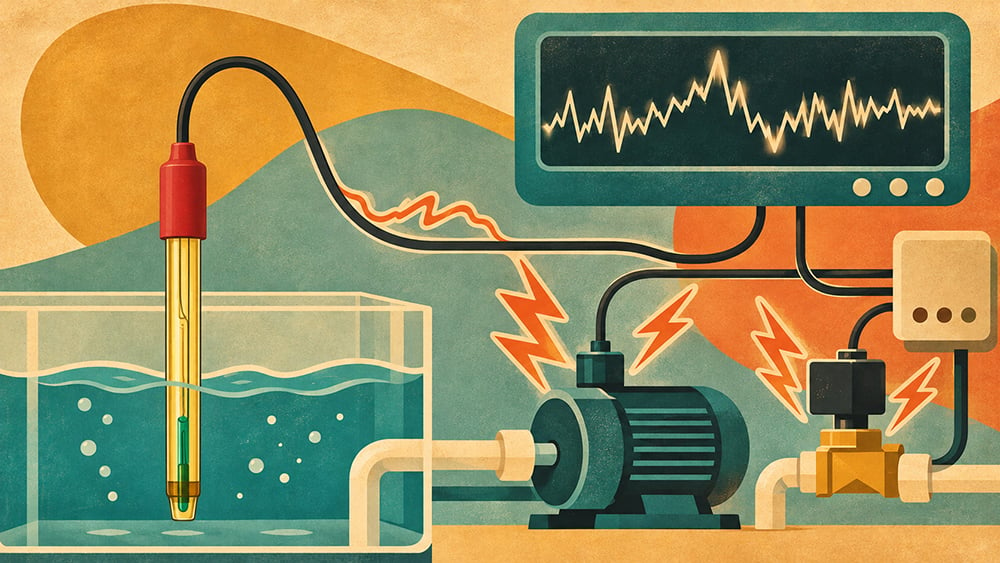
A few rules eliminate this as a variable:
Atlas Scientific has tested pH probe cable runs up to 300 meters without signal loss, but at that length an unshielded, unisolated cable effectively becomes an antenna for electrical noise. Proper shielding matters more, not less, as cable runs get longer.
Low-conductivity water, such as RO or highly purified water, can cause pH readings to drift due to low buffering capacity, electrical noise, and atmospheric CO2.
If readings drift, don’t assume the probe is failing. Allow time for equilibration and consider the sample’s conductivity and CO2 exposure.
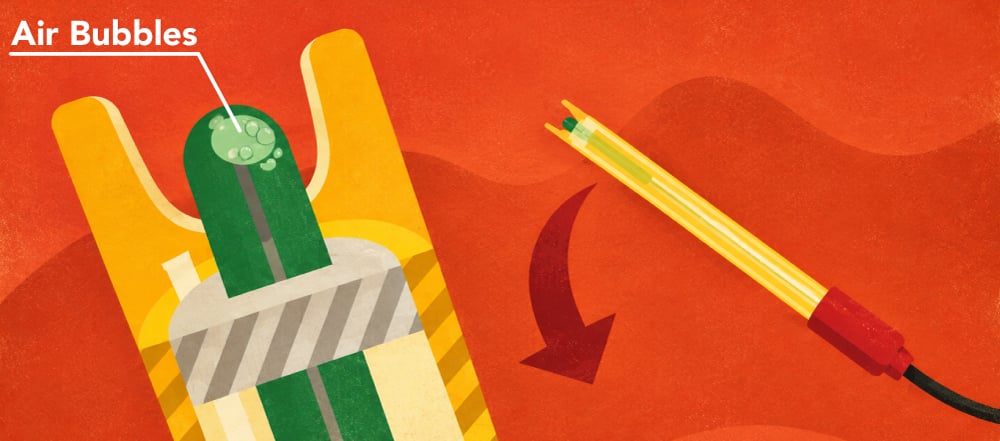
During shipping, or after a probe has been stored tip-up, an air bubble can migrate from the probe stem into the glass bulb itself. A bubble sitting against the sensing membrane produces a sluggish or inaccurate reading that looks a lot like a fouled or failing probe.
Before assuming a hardware fault, hold the probe by its top cap and shake it gently, the same way you would a thermometer, to work the bubble back down into the stem.
This is the question every troubleshooting session is really trying to answer, and it depends entirely on how the probe performs against the numbers above.
Clean the probe when the bulb shows visible fouling but slope and response time were previously within range; this is routine maintenance, not a sign of failure.
Recondition it when cleaning doesn’t restore performance but the probe is otherwise in good physical condition; a pH Probe Reconditioning Kit can sometimes rehydrate and restore an aging or dried-out probe that would otherwise be scrapped.
Replace it when the probe remains outside the manufacturer’s acceptable performance range after appropriate cleaning and reconditioning, or when the glass electrode or probe body is physically damaged. A slope below 85% can be a useful trigger for further investigation, but it should not be treated as a universal replacement threshold.
No fixed recalibration schedule applies to every application. Low-stress environments like a fish tank or hydroponic system may only need recalibration once a year for the first two years and roughly every six months after that, while industrial lines running strong acids or bases need a much tighter interval. Frequency should follow how hard the environment is on the probe, not a generic calendar reminder.
Proper integration reduces pH probe troubleshooting. Every EZO™ pH Circuit communicates via UART or I2C and works with compatible conventional pH probes, enabling automated diagnostics rather than benchtop-only testing.
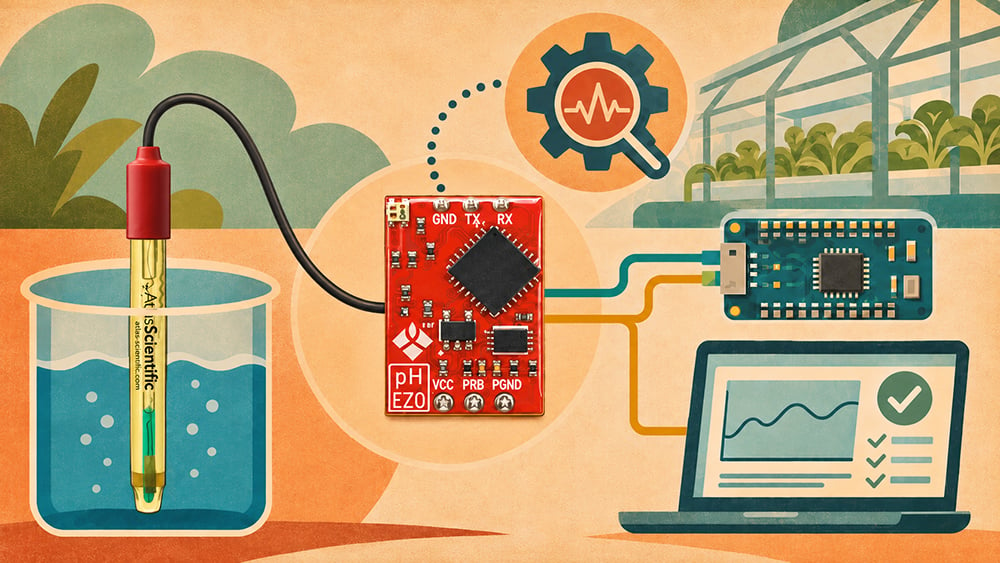
For third-party probes, always confirm compatibility before connecting. Atlas Scientific EZO™ sensors use the same connection method, making it easy to add pH monitoring alongside conductivity, dissolved oxygen, or ORP sensors.
For continuous installations, a pH Kit keeps calibration and storage solutions available for routine maintenance before drift becomes a problem.
Most pH probe problems can be diagnosed by checking mV, slope, offset, and response time instead of the pH value alone. These readings help identify whether you need to clean, recondition, recalibrate, or replace the probe.

Always compare results with your probe and measurement system’s specifications, since diagnostic thresholds vary by model. If you’re setting up a new pH monitoring point or troubleshooting a probe that won’t stabilize, get in touch with the team at Atlas Scientific today.
When a pH probe starts giving inaccurate, drifting, or unstable readings, the problem isn’t always calibration. This guide explains how to troubleshoot a pH probe

ORP in cooling towers gives you a real-time look at how strong the water’s oxidizing power is, which lets you know if disinfection is really